After paying, not seeing any logistics updates can easily make you think your order is lost, the warehouse missed shipping it, or you need to pay again. To address this issue, first confirm the order and package information, then distinguish between warehouse processing, carrier scanning, and system synchronization delays. Avoid submitting duplicate orders or arbitrarily changing shipping lines. 
After paying, not seeing any logistics updates can easily make you think your order is lost, the warehouse missed shipping it, or you need to pay again. To address this issue, first confirm the order and package information, then distinguish between warehouse processing, carrier scanning, and system synchronization delays. Avoid submitting duplicate orders or arbitrarily changing shipping lines.
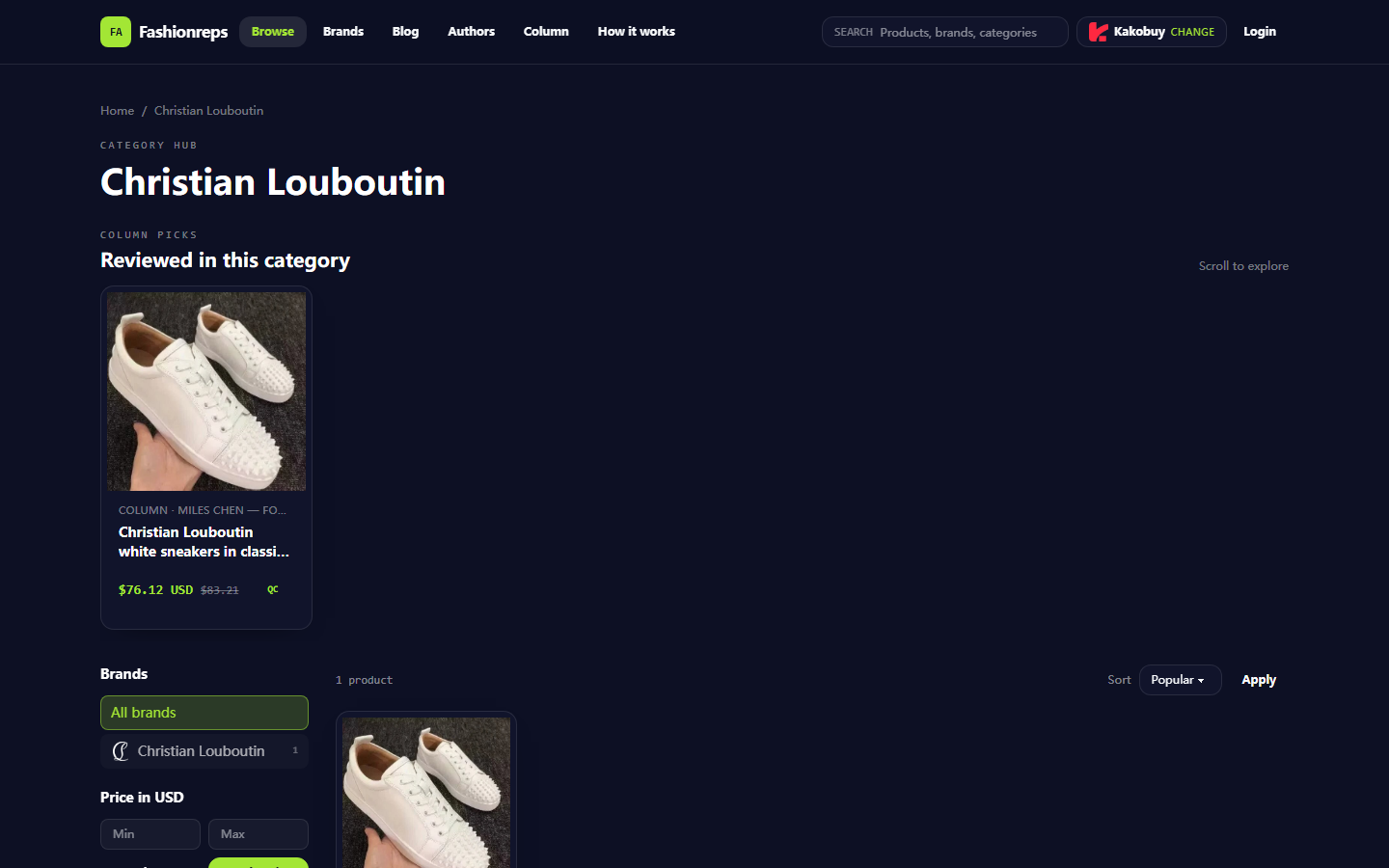
This article addresses only one issue: the logistics status of Christian Louboutin shoes has not updated for a long time after payment. fashion-reps is mainly used for product discovery, product information viewing, and purchase process explanations. Actual payment, order processing, warehouse shipping, and logistics services are the responsibility of the external shopping agents and carriers you choose. Therefore, you cannot determine whether an order has been shipped solely based on the fashion-reps page, nor can you conclude that the target site is malfunctioning.
First Save the Order, Package, Shipping Line, Destination, and Last Update Time
First, do not refresh the payment page or resubmit the order. Open the shopping agent's order center and save the following information:
- Order number and order status
- Product name, product page source, and quantity
- Package number or warehouse package number
- Selected shipping line
- Destination country or region, city, and postal code
- Date and time of the last logistics change
- Payment record or payment status
- Any error messages displayed on the order page
It is recommended to only keep information needed to resolve the issue in screenshots, covering up names, phone numbers, full addresses, payment card information, and other unnecessary personal data.📦
If the page only shows an order number without a package number or carrier tracking number, you should first classify the issue as an order or warehouse stage problem, rather than directly treating it as a shipping delay.
Check Product Page Links, Order Details, and Package Numbers for Correspondence
Go to the order details and compare the product source and order content item by item:
- Does the product title match the purchased shoe model?
- Do the product quantity, size, color, and remarks match?
- Does the product link in the order still point to the original product, rather than a similar model or another seller's page?
- Does the package contain these shoes, or is it still in a state of awaiting warehousing, quality inspection, or consolidation?
- Does the logistics tracking number belong to the current package, rather than another order or an old package?
- Has the shipping line been reassigned, or does the page show a new line name?
If there are multiple packages under the same account, you cannot determine the tracking number correspondence based solely on the last few digits. You should also check the package weight, creation time, product quantity, and destination. If you find discrepancies between the order details and package contents, first pause any line changes, refunds, or re-payments, and contact order support to confirm ownership.
Distinguish Between Warehouse Processing, Shipped, Carrier Not Scanned, and Status Sync Delay
Logistics not updating usually corresponds to different stages, and the handling methods differ:
| Page Symptom | Most Likely Stage | Next Step to Verify |
|---|---|---|
| Only payment successful, no warehousing or warehouse status | Order or purchasing processing stage | View order processing records and product warehousing records |
| Warehoused but no quality inspection or package info | Warehouse processing stage | Check quality inspection, weighing, and package creation status |
| Package created but no carrier scan | Outbound handover or awaiting first scan | Verify outbound time, shipping line, and carrier tracking number |
| Logistics query shows old records, agent page unchanged | Transport information sync delay | Check agent order page and carrier query results separately |
| Long time without new records after arriving at a transit node | Transit, customs clearance, or transfer stage | Check line instructions, destination requirements, and supplementary document notices |
The duration of status stagnation cannot be judged in isolation from the shipping line, weekends, holidays, destination, and carrier workflow. Not seeing a new scan does not mean the package is lost; likewise, you cannot treat "tracking number created" as the carrier actually receiving the package.🔎
Recheck Current Status Step by Step via Official Order Page and Logistics Query
Follow this sequence to reduce misjudgments caused by inconsistencies between different pages:
- First, check the shopping agent's order details to confirm whether the order has completed payment, purchasing, warehousing, quality inspection, and outbound nodes.
- Then check the package details provided by the agent to confirm that the package number, weight, shipping line, and destination country are consistent.
- If a carrier tracking number is available, use the carrier's official query portal to check first scan, transit, customs clearance, and delivery information.
- Compare the update times, time zones, and original status text on both pages; do not rely only on colors or short labels.
- Record the last status and query time shown on each page.
If the agent page shows "shipped" but the carrier's official page cannot find the tracking number at all, describe the issue as "agent page shows shipped, but official query portal has no record," not directly as "package lost." If the carrier has scans but the agent page is not updated, it is more likely a system synchronization issue, and repeated payment usually will not solve it.
Check Line Restrictions, Holidays, Transit Nodes, and Required Supplementary Information
When checking the shipping line, focus on actual applicable conditions, not just estimated transit times:
- Is the destination country within the line's service coverage?
- Are shoes, leather, decorated items, or special materials restricted by the line?
- Does the line require supplementary recipient identity or customs documentation?
- Is the package at a transfer warehouse, sorting center, or customs clearance node?
- Are there weekends, local holidays, or temporary carrier adjustments?
- Could the destination country incur import taxes, customs fees, or other compliance requirements?
- Has the agent sent notices for supplementary documents, payment confirmation, or exception handling?
Do not handle stagnation by under-declaring value, splitting packages, concealing product contents, or evading inspections. If declaration is needed, provide accurate information according to destination country regulations, and first confirm the cost responsibility and submission deadline.⚠️
How to Organize Screenshots, Numbers, and Clear Questions When Contacting Official Support
If self-verification still yields no progress, contact the official support channel responsible for the order or shipping. The fashion-reps page itself is not equivalent to the shopping agent's or carrier's order customer service. Choose the contact based on the stage of the issue:
- Payment or order status anomaly: Contact the shopping agent's order support.
- Warehousing, quality inspection, weighing, or package content anomaly: Contact the shopping agent's warehouse support.
- Official carrier scan exists but subsequent stagnation: Contact the carrier or have the agent inquire on your behalf.
- Customs clearance, documentation, or tax notices: Handle according to formal requirements from the agent and destination country authorities.
Submit one complete set of information at a time, including:
- Order number and package number
- Product name and quantity
- Destination country or region
- Shipping line name
- Carrier tracking number
- Last update time on the agent page
- Last update time on the carrier's official query page
- Steps already verified
- Questions you need customer service to clearly answer
Questions should be as specific as possible. For example: "Package number is XXX. The agent page shows shipped, but the carrier's official query portal has no first scan. Please confirm if it has actually been handed over, the current handover date, and whether supplementary documents are needed." Do not just send "Why isn't it moving?" Otherwise, customer service will need to ask for basic information again, and processing may take longer.🧾
Situations Where You Should Pause Re-payment, Line Changes, or Resubmission
In the following cases, stop further actions and wait for order or logistics support confirmation:
- Order is paid, but current status is unclear.
- Agent page shows shipped, but carrier official portal has no corresponding record.
- Order number, package number, and logistics tracking number cannot be matched.
- Page requires payment again without explaining the original payment status.
- Shipping line has been changed without new fee details, applicable conditions, or confirmation records.
- Package may be split but sub-package numbers are not provided.
- Destination customs or documentation requirements are not yet clear.
- Page shows refund, cancellation, exception, or dispute processing notices.
Only after confirming that the original order was not successful, the original payment has been explicitly reversed, or customer service has confirmed in writing that resubmission is needed, should you consider re-paying, changing lines, or creating a new package. Keep the original order and customer service replies to avoid duplicate purchases or duplicate shipping for the same pair of shoes.✅
Christian Louboutin Logistics Follow-up Checklist After Troubleshooting
After troubleshooting, confirm that the following items are clearly recorded:
- Order and product details are consistent.
- Package number corresponds to the order.
- Shipping line and destination are consistent.
- Warehouse processing, outbound handover, carrier scanning, and system synchronization stages have been distinguished.
- Agent order page and carrier official query portal have been checked separately.
- Last update times on both pages have been recorded.
- Confirmation of whether customs documentation, taxes, or line restrictions exist.
- Complete issue has been submitted to the correct official support channel.
- No duplicate payment, duplicate order, or unauthorized line change before status is clear.
This troubleshooting is suitable for buyers who have paid but cannot determine order or logistics status. It can reduce extra payments, duplicate packages, and information confusion caused by repeated operations, but it cannot guarantee that the carrier will update records immediately. If customer service confirms that the package has indeed been handed over, follow up based on new official scan records; if customer service confirms it has not been shipped, continue to handle warehouse or order stage issues rather than continuing to track non-existent shipping records.
Related Stage Reminders
Before troubleshooting logistics status, first confirm that product size, product details, and quality inspection results are correct; after logistics status is clear, handle consolidation, line selection, taxes, and receipt inspection. At each stage, keep order numbers, package numbers, and customer service replies for complete records in case of refunds, missing items, or shipping disputes.
Agent Platform Shopping FAQ
1. What steps should I take if I'm unhappy with an item I received through hipobuyyupoo.net?
Reach out to hipobuyyupoo.net's customer support without delay. Most standard products from sellers on hipobuyyupoo.net are covered by a 5-day unconditional return/exchange window. If you want to send something back, just request a return. If the package has already been delivered to you and you notice a defect, get in touch with hipobuyyupoo.net's support team so they can contact the seller on your behalf and work out a resolution.
Here are the customer service email addresses for hipobuyyupoo.net:
kakobuy: service@kakobuy.com
oopbuy: support01@oopbuy.com
usfans: support@usfans.com
hipobuy: care@hipobuy.com
superbuy: care@superbuy.com
2. Where can I find and review the quality inspection photos on hipobuyyupoo.net?
When you review QC photos on hipobuyyupoo.net, pay attention to the details that matter for your item. For shoes, check important areas like the toe box, heel, and tongue for stitching quality, overall shape, and tongue thickness to judge the craftsmanship. For clothes, look at the neck label, logo embroidery, fabric, and how neat the collar and cuffs are, along with other fine points.
Editor score 4.2 / 5