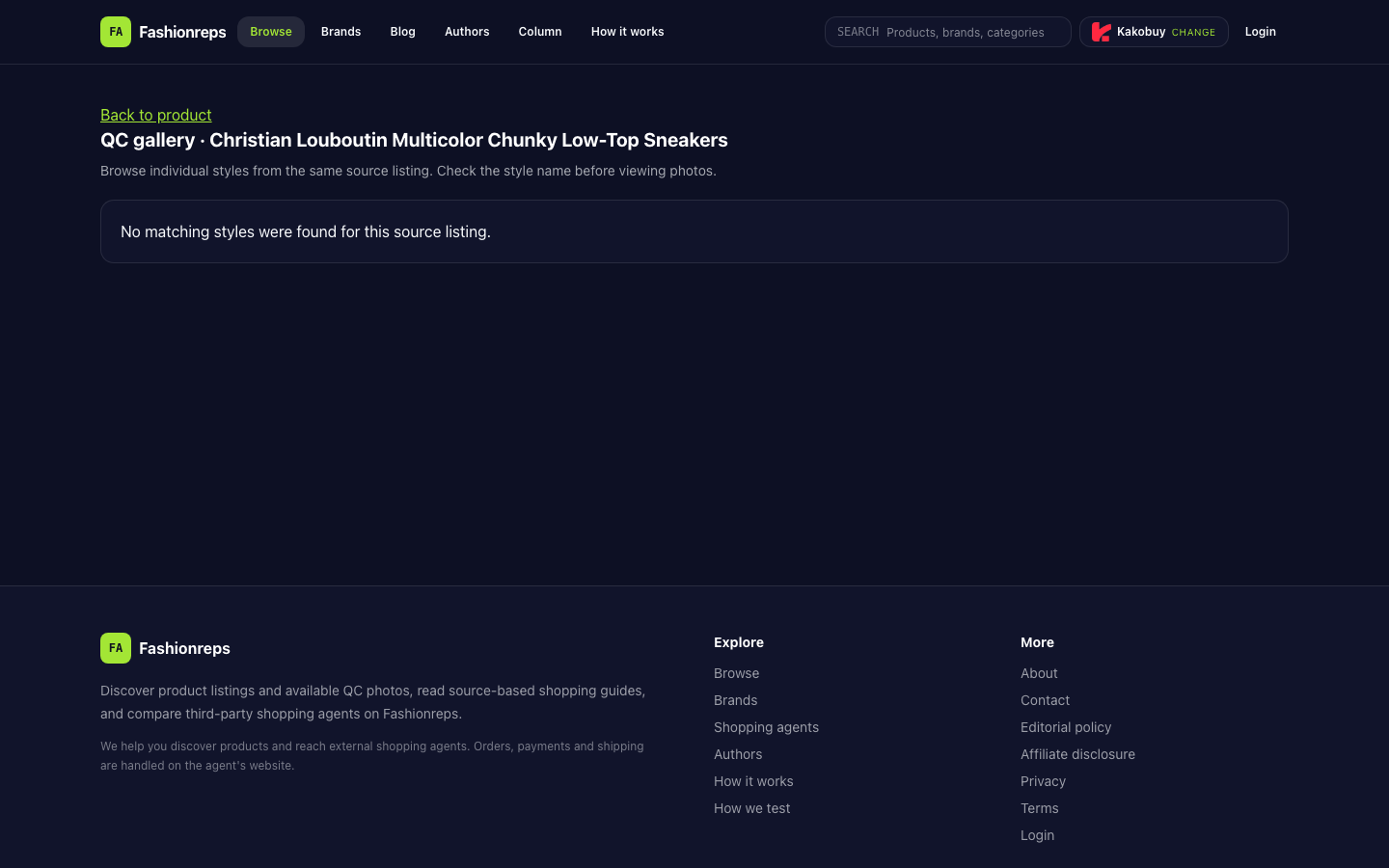
First Determine: Is It a Style Mismatch or Same Style Different Variant? If you selected a Christian Louboutin high-top sneaker but the QC page shows a low-top, a different colorway, or indicates no matching style, don't confirm shipment right away. The currently verifiable Fashionreps QC page is titled "Christian Louboutin Multicolor Chunky Low-Top Sneakers," and the page also
First Determine: Is It a Style Mismatch or Same Style Different Variant?
If you selected a Christian Louboutin high-top sneaker but the QC page shows a low-top, a different colorway, or indicates no matching style, don't confirm shipment right away. The currently verifiable Fashionreps QC page is titled "Christian Louboutin Multicolor Chunky Low-Top Sneakers," and the page also indicates no matching style for that source product. This result only proves that the current QC page doesn't match the low-top product name displayed on that page; it doesn't prove that your order will definitely be wrong, nor does it prove there is a quality problem with the high-top itself.

Save Three Sets of Information First
Before contacting your shopping agent, take screenshots and save the following content to avoid sending a QC picture that can't be located:
- The full product page title and the style name shown on the page.
- Color, size, SKU, variant options, and order number; if a field isn't shown on the page, record it as "not shown on page."
- The QC page title, image URL or page path, and screenshots that clearly show the upper, sole, heel, and size label.
Don't judge high-top vs low-top based only on the product thumbnail. Prioritize the text fields on the product detail page and the variant you actually selected, then compare item by item against the QC page.
Check Five Areas in Order
1. Collar Silhouette
For high-tops, first look at the collar height, ankle coverage, and heel shape. If the QC images clearly show a low-top collar, or the shoe height is completely different from the product page illustration, pause confirmation instead of treating it as a normal camera angle difference.
2. Lacing and Upper Structure
Check the number of eyelets, lace direction, upper stitching, and decorative placement. Different styles in similar colors may look close from a distance, but these structures are usually better for confirming the specific variant.
3. Sole and Heel Branding
Look separately at the sole outline, bottom color, heel height, and heel branding. If the heel area is blocked, overexposed, or too far away, you can't confirm the style is exactly the same; ask for additional clear angles.
4. Size Label
Check whether the shoe box or inner label shows readable size information and compare it with the size you selected in the order. Not being able to read it in the photo doesn't mean the size is wrong, but before shipment you can't treat "can't read" as "confirmed."
5. Color and Left/Right Consistency
Verify the upper main color, accent colors, sole color, and whether left and right shoes belong to the same colorway. The currently visible source page uses the name "Multicolor Chunky Low-Top Sneakers," so you cannot directly use that page's images as evidence for the high-top variant you selected.
What to Do When You Find a Mismatch
First save the key fields from the product page and QC page side by side, and mark the specific difference on the screenshots, such as "Product page selects high-top, QC title shows low-top" or "Order size is a certain value, but the label is unreadable." Describe observable facts and avoid directly claiming the seller sent the wrong item.
Then contact the shopping agent support for that order and ask them to verify the source product, variant fields, and the actual item in the warehouse. The Fashionreps page states that orders, payments, and shipping are handled by the shopping agent website, so order-level verification and shipment holds should be done through the corresponding agent's support channel, not solely based on Fashionreps' QC display page.
You can send the following requests at once:
- Confirm the product title, style, and variant corresponding to the QC images.
- Confirm whether the images belong to the current order and not another style from the same source.
- Provide additional photos of the full left and right shoes, sole, heel branding, inner size label, and shoe box label.
- Hold shipment until style, color, and size are confirmed, and explain any return/exchange or re-verification conditions.
When to Pause
If any of the following occurs, we recommend not confirming receipt or continuing with shipment:
- The QC page title is clearly different from the style category you ordered, e.g., high-top vs low-top.
- The page indicates no matching source style, and there is no other evidence that the images belong to your order.
- Key variant fields are missing, so color or size cannot be confirmed.
- The size label, heel branding, or key sole areas are consistently unreadable.
- The support team has not explained the image correspondence but asks you to confirm shipment directly.
Before getting clear additional photos and variant confirmation, the safest decision is to keep screenshots, hold shipment, and ask the order's shopping agent for a written verification result. The current page evidence only shows that the displayed QC page is associated with the title "Multicolor Chunky Low-Top Sneakers" and cannot alone prove the physical condition, inventory, price, shipping, or return/exchange conditions of the high-top sneaker.
Editor score 4.2 / 5